
When you’re thinking about securely storing your crypto assets, one of the first decisions you’ll need to make is choosing. You need to choose between hardware wallets.
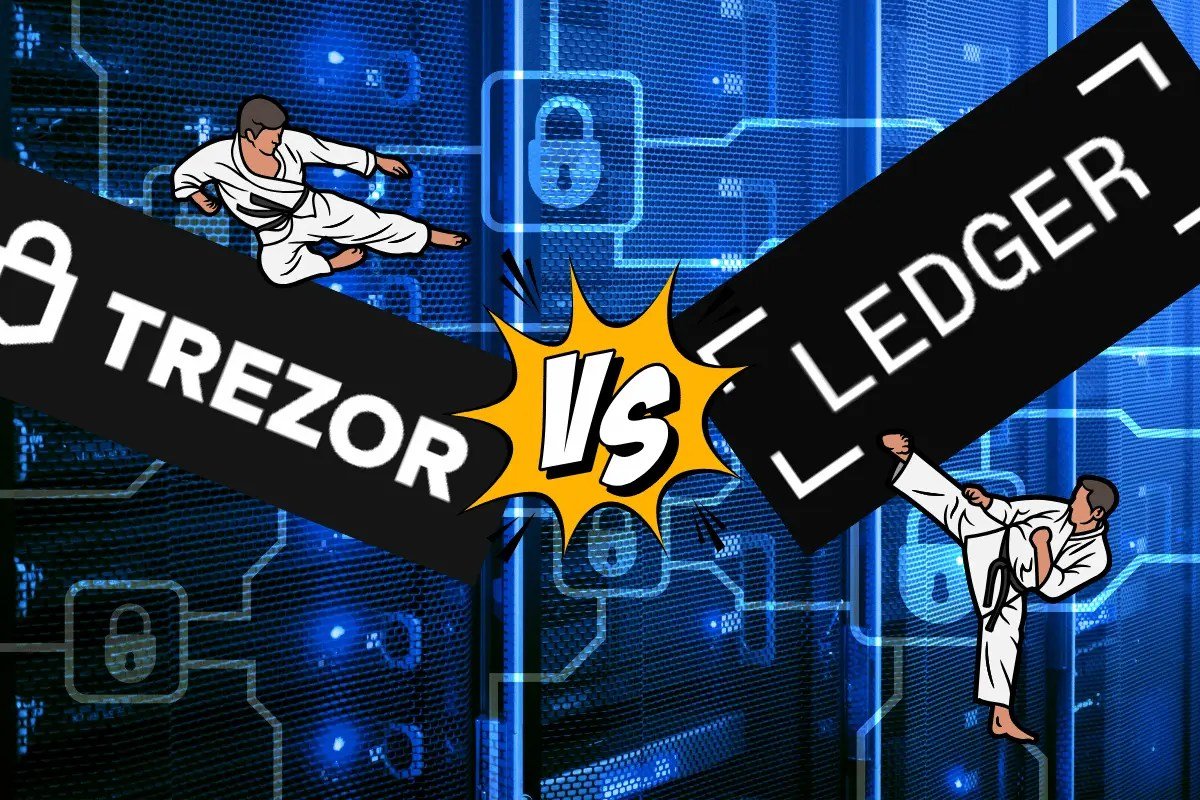
In this article, we’ll compare two of the biggest names in the industry: Trezor and Ledger.
Both offer robust security, but which one is better for you?
Let’s dive into the details!
What Are Hardware Wallets?
Hardware wallets store your private keys offline, away from potential hacks or malware.
Unlike software wallets (hot wallets), which are connected to the internet, hardware wallets (cold wallets) give you extra protection. They offer an extra layer of security.
Why Choosing the Right Wallet is Crucial
Your crypto investments are only as safe as the wallet storing them. If your private keys are compromised, so are your assets.
So, picking the right wallet is vital for peace of mind and the security of your coins.
Overview of Trezor and Ledger
Trezor

Trezor Safe 5 variants
Trezor, launched by SatoshiLabs in 2013, was the first-ever hardware wallet. Trezor’s name is synonymous with security and open-source principles, meaning the code is public and can be scrutinized by anyone.
Trezor wallets are available in three models, the:
- Trezor Model One
- Trezor Safe 3
- Trezor Safe 5
Ledger

Ledger, established in 2014, quickly became a strong competitor with its Ledger Nano S and Ledger Nano X models.
Its current line-up of models these days however are the:
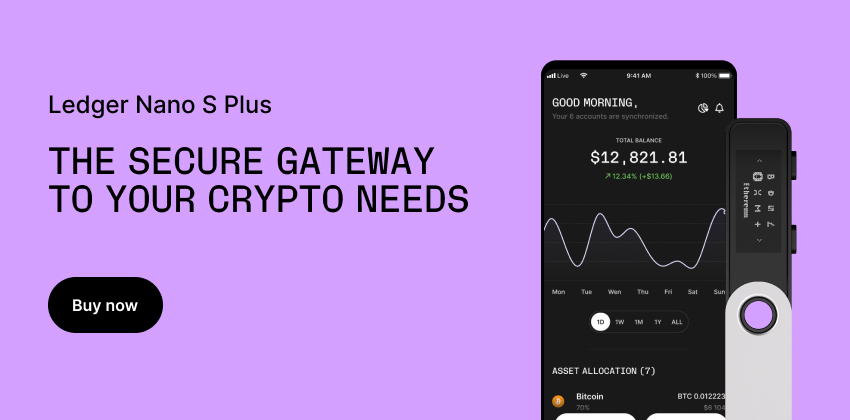
- Ledger Nano S Plus
- Ledger Nano X
- Ledger Flex
- Ledger Stax
Known for its closed-source firmware, Ledger focuses on high-end security and sleek, modern design.
Security Comparison
How Does Trezor Guarantee Security?
Trezor implements security features like PIN protection, passphrase options, and physical confirmation for transactions. Since it’s open-source, its code is regularly reviewed by security experts, making it transparent to the public.
How Does Ledger Guarantee Security?
Ledger’s security revolves around its unique Secure Element chip. This chip isolates private keys from the main operating system. It adds an extra layer of protection.
Nevertheless, Ledger uses a closed-source firmware model, meaning only Ledger has access to its core software.
Physical Security Features
Both Trezor and Ledger need physical confirmation on the device for every transaction. This ensures that no one can send funds without your consent.
Supported Cryptocurrencies
How Many Coins Does Trezor Support?
Trezor supports over 1,800 cryptocurrencies, including Bitcoin, Ethereum, and many altcoins.
Nonetheless, it doesn’t natively support some coins like XRP and Monero, which need third-party apps.
How Many Coins Does Ledger Support?
Ledger supports over 5,500 cryptocurrencies. It is the more versatile choice for those who hold a diverse range of digital assets.
Ease of Use
User Interface Comparison
Trezor’s user interface is beginner-friendly, with a clear and simple dashboard via its Trezor Suite app.
Ledger, on the other hand, integrates with the Ledger Live app. The app offers a clean design. But, it can be more complex for first-timers.

Setup Process for Beginners
Trezor offers a straightforward setup, making it an excellent choice for users who are new to crypto. Ledger’s setup is also easy, but the extra security layers make it feel slightly more complicated for beginners.
Backup and Recovery
Trezor’s Backup and Recovery Process
Trezor uses a 12 to 24-word recovery seed for backup. If your device is lost or damaged, you can restore your wallet on any Trezor device using this seed.
Ledger’s Backup and Recovery Process
Ledger also uses a 24-word recovery seed, and similarly, you can restore your wallet using this seed phrase.
You may also choose their optional paid subscription service called Ledger Recover. This service provides an extra choice for recovery through identification.
Your identification details are used to retrieve your crypto assets in case of loss of your device. They are also used if you lose your recovery seed phrase.
This choice is mainly for those who are comfortable providing such details to a third party provider.
Pricing
Trezor Pricing
Trezor’s prices start around $59 for the Trezor Model One. They start at $79 for the Trezor Safe 3.
Prices go up to $179 for the Trezor Safe 5.
The Trezor Safe 5 provides the ultimate convenience and security with a color touchscreen. Navigation for both the Trezor Safe 3 and Trezor Model One, on the other hand, uses a two-button pad.
This method is simple and effective.
Ledger Pricing
Ledger’s pricing is competitive.
The Nano S Plus starts at $79. The Nano X costs around $149. The Nano X has Bluetooth support for mobile devices.
Both have a monochrome OLED screen.
Ledger Nano S Plus OLED display

The touch screen variants are the Ledger Flex at $249 and the Ledger Stax at $399. The Ledger Stax has an extra wireless charging feature.
Is There a Difference in Value for Money?
Both the Nano S Plus and the Nano X offer great value. But, Ledger’s Nano X provides extra mobility with Bluetooth.
This a deciding factor if you’re constantly on the go.
Customer Support
Trezor’s Customer Service Experience
Trezor has a helpful FAQ section, a responsive support team, and active community forums.
Ledger’s Customer Service Experience
Ledger offers similar customer support but has occasionally received criticism for slow response times during high-demand periods.
Device Design and Durability
Trezor Design and Durability
Trezor’s design is functional but less sleek than Ledger’s. It’s a sturdy device, but the plastic body feels less premium when compared to Ledger designs.
Ledger Design and Durability
Ledger devices have a more premium feel. They have a stainless steel case that enhances durability.
This makes the wallet feel high-end.
Mobile and Software Integration
Trezor Mobile App Compatibility
Trezor’s mobile compatibility is limited, focusing more on desktop integration via its Trezor Suite software.
Ledger Mobile App Compatibility
Ledger Nano X shines here with its Bluetooth feature, allowing seamless integration with mobile devices using the Ledger Live app.
Software Integration (Third-Party Apps)
Both wallets are compatible with many third-party apps like MetaMask and MyEtherWallet, but Ledger supports a broader range of integration.
Firmware Updates
Frequency of Trezor Firmware Updates
Trezor regularly releases updates to improve security and add support for new cryptocurrencies.

Frequency of Ledger Firmware Updates
Ledger also provides consistent firmware updates, often more frequently than Trezor, to guarantee top-notch security and functionality.
Open Source vs. Closed Source
Is Trezor Open Source?
Yes, Trezor is fully open-source, which means the code can be reviewed and improved by the public.
Is Ledger Open Source?
Ledger’s software is closed source, except for some parts of its Ledger Live app. This provides tighter control over the software but limits transparency.
Pros and Cons of Open vs. Closed Source Software
While open-source software like Trezor’s is transparent, it may be more vulnerable to exploits if flaws are discovered. Closed-source software like Ledger’s limits public scrutiny but offers more controlled security updates.
Cold Wallet vs. Hot Wallet
Trezor as a Cold Wallet
Trezor operates solely as a cold wallet. This means it never connects to the internet without your consent, which makes it highly secure.
Ledger as a Cold Wallet
Ledger also functions as a cold wallet but with added mobility features like Bluetooth (Nano X) for remote transactions.
Which Is Better for Long-Term Storage?
Both are excellent options for long-term storage. If security and transparency are your top concerns, Trezor has the edge.
Which One Is More Future-Proof?
Longevity of Trezor in the Market
Trezor, as the first hardware wallet, has a long-standing reputation. Its open-source nature suggests it will adapt well to future crypto trends.
Longevity of Ledger in the Market

Ledger, despite being slightly younger than Trezor, has established itself as a leader in the hardware wallet market.
The company has a closed-source model. It also has a continuous focus on security innovations like the Secure Element chip.
Because of these factors, Ledger is well-positioned to stay relevant in the crypto world for years to come.
Future Developments and Innovations
Both Trezor and Ledger are committed to ongoing development.
Trezor’s open-source nature allows for community-driven improvements.
Ledger’s focus on closed-source security lead to further advancements in device safety and software integration.
Both companies regularly update their firmware and add support for new cryptocurrencies, so both options stay relevant long-term.
Conclusion: Which Wallet Is Right for You?
Choosing between Trezor and Ledger ultimately comes down to your specific needs and preferences. If you value transparency and open-source software, Trezor is a solid choice.
If you want more cryptocurrency support, a sleek design, and mobile integration, Ledger is the better choice. It offers the features you need.
- For Beginners: Trezor’s simplicity and user-friendly interface make it an excellent starting point.
- For Advanced Users: Ledger’s support for more cryptocurrencies and extra security layers appeal to users with diverse portfolios.
- For Long-Term Storage: Both wallets offer top-notch security for long-term holding. Nonetheless, Trezor’s open-source nature give it a slight edge in trustworthiness.
Ultimately, both wallets are leaders in the crypto space, and you can’t go wrong with either. Your final choice should depend on your personal preferences for security, ease of use, and the range of supported assets.
FAQs
1. Is Trezor or Ledger more secure?
Both Trezor and Ledger offer excellent security features, but they approach it differently.
Trezor focuses on open-source transparency, while Ledger uses a Secure Element chip and closed-source firmware. Security depends on your comfort with open vs. closed software.
2. Can I use Trezor or Ledger with mobile devices?
Trezor is primarily desktop-focused, while Ledger Nano X supports mobile integration via Bluetooth. If mobile accessibility is important to you, Ledger is a better fit.
3. What happens if I lose my Trezor or Ledger?
Both wallets use a 24-word recovery seed. This lets you restore your funds on a new device.
You can do this if your original wallet is lost or damaged. Make sure to store your seed phrase in a safe place.
4. How often do I need to update my Trezor or Ledger?
Both devices need regular firmware updates to guarantee optimal security and functionality. Trezor and Ledger often release updates, and it’s essential to install them when prompted.
5. Is one wallet better for altcoins?
Ledger supports a broader range of cryptocurrencies (over 5,500 compared to Trezor’s 1,800).
If you hold a diverse altcoin portfolio, Ledger is the better choice.
Leave a Reply to Start Here: What Is Cryptocurrency and How Does It Work? – GM Cryptoverse Cancel reply